

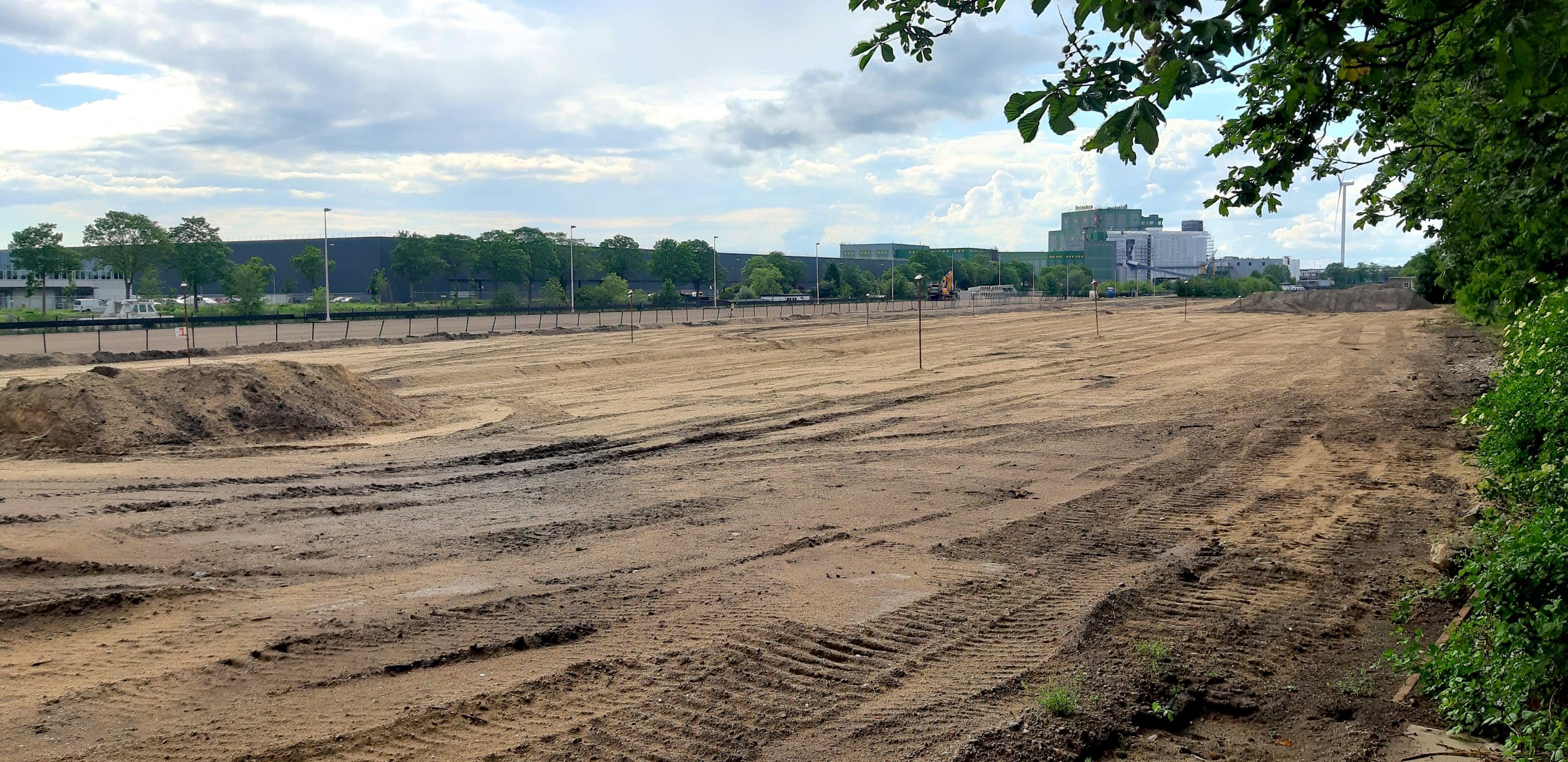
Since Basetime’s inception, the Locator One monitoring device has been used in a wide variety of projects requiring settlement plate monitoring. One of these projects was commissioned by Meet B.V., a land surveying and consulting company based in Heteren, the Netherlands. At the behest of their client, GMB Civiel, they are involved in filling in one of the former harbours near the Brabanthallen in Den Bosch. This area will be converted into a car park. We spoke to project manager Dick van Leeuwen about his experiences with Basetime and the Locator One.
Why use the Locator One?
Dick explains that a client of Meet B.V. had once delivered clay to the dike near Gorinchem Waardenburg, where he noticed the Locator Ones. He was rather enthusiastic about them. Dick decided that the Locator Ones were exactly what he needed: “I got on it, came across Basetime and called them.” The decision to award the contract to Basetime was swift, because of the convenience and flexibility using the Locator One allows us. Normally, Meet B.V. would have to manually measure the settlement rods they placed on-site, sometimes even on a daily basis. With the Locator One, this is no longer necessary, because apart from mounting the Locator Ones at the start of the project, no manual check-ups are required.
Besides the convenience and flexibility, there was more to the decision to use Locator One, Dick explains: “We want to provide our customers with good and accurate advice whilst keeping up with technology, as it continuously advances. I also believe automated measuring is the future. It’s much safer, because you don’t have to go onto the construction site or walk among the heavy machinery anymore. Moreover, they measure continuously. On this project, The Locator Ones gave us so much information to work with, that the work was completed ahead of schedule.”

Childlike simplicity
Talking about his experiences with the Locator One, Dick says: “The box it comes in contains a description of how to attach the device to the settlement rod. Then, the Locator One needs to be linked to the settlement rod number and the length of the settlement rod has to be entered once. This is easy and works great. At one point, our client had to temporarily remove two devices themselves. They managed to remove them from the settlement rods without any issues and refit them later on. Furthermore, the devices are switched on the moment they are received and don’t require any software installations. Using them is child’s play. Another big advantage is that you receive the data unformatted. You can import it and then edit it yourself in terms of layout, advice, reporting and analysis. This allows you to present the data as you have agreed with your client. Clients’ requirements vary, so it’s nice that you can edit it yourself in Excel.”
“We want to consistently correctly advise our customers and keep up with the developments in engineering, as it’s always advancing.” – Dick van Leeuwen, Meet B.V.
Rent or buy?
Meet B.V. chose to rent the Locator Ones through Boels Rental. This was the right choice for the organisation, as the project at the Brabanthallen was relatively short. “And Boels is around the corner from us, so they brought us the devices themselves – very nice. All we had to do was take them to Den Bosch,” Dick adds. “We did discuss the possibility of buying the devices, but we are not yet big enough as an organisation to do so. I think many small contractors would opt to rent them, because there’s less risk to it. In the case of larger contractors, I think they could be bought. Perhaps in the future we will see these contractors renting out the devices to smaller parties like ourselves.”

Short lines of communication
Dick’s contact with Basetime has been positive: “The lines of communication are short, I get an immediate response to emails and phone calls are also easy.” Likewise, we also experienced a very pleasant work relationship with Meet B.V.
Has this article piqued your interest in the Locator One? Then, get in touch and we can tell you all about it!


